Job information
Store the project name, client details, address, and saved GPS coordinates on the job.
Construction documentation software for roofing teams.
From the first roof inspection to the finished installation, keep jobsite photos, daily notes, tasks, and documents connected to the right project. Construkt helps roofing contractors document work and stay organized from start to finish.
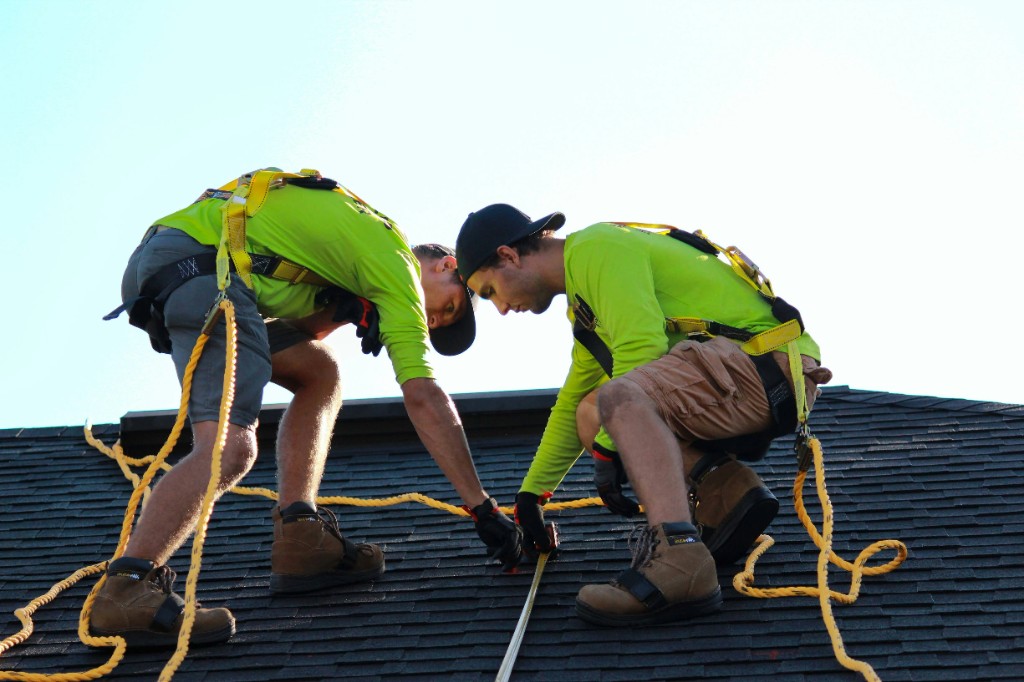
Create a Construkt project for each residential or commercial roofing job. Photos, tasks, documents, and daily records stay on that job instead of mixing across a camera roll or group chat.
Store the project name, client details, address, and saved GPS coordinates on the job.
Assign the people who should see this roofing job. You can also designate a project lead.
Keep site photos, drawings, PDFs, tasks, and daily records attached to the same project.
A tear-off on one street and a repair on another stay in different projects, so the record does not get mixed.
Roofing is not a built-in project type. Use a general construction type such as Residential, Commercial, or Renovation.
Photograph the existing roof, visible issues, and areas that need attention. These are ordinary site photos filed to the job — not a specialized inspection workflow.
When available, photos can store location and capture time with the shot.
Add a note and use existing labels such as Issue, To check, In progress, or Completed.
Photos appear on that job’s timeline, grouped by date, instead of living in a mixed camera roll.
Construkt does not detect damage automatically or produce insurance inspection reports. How Construkt files site photos
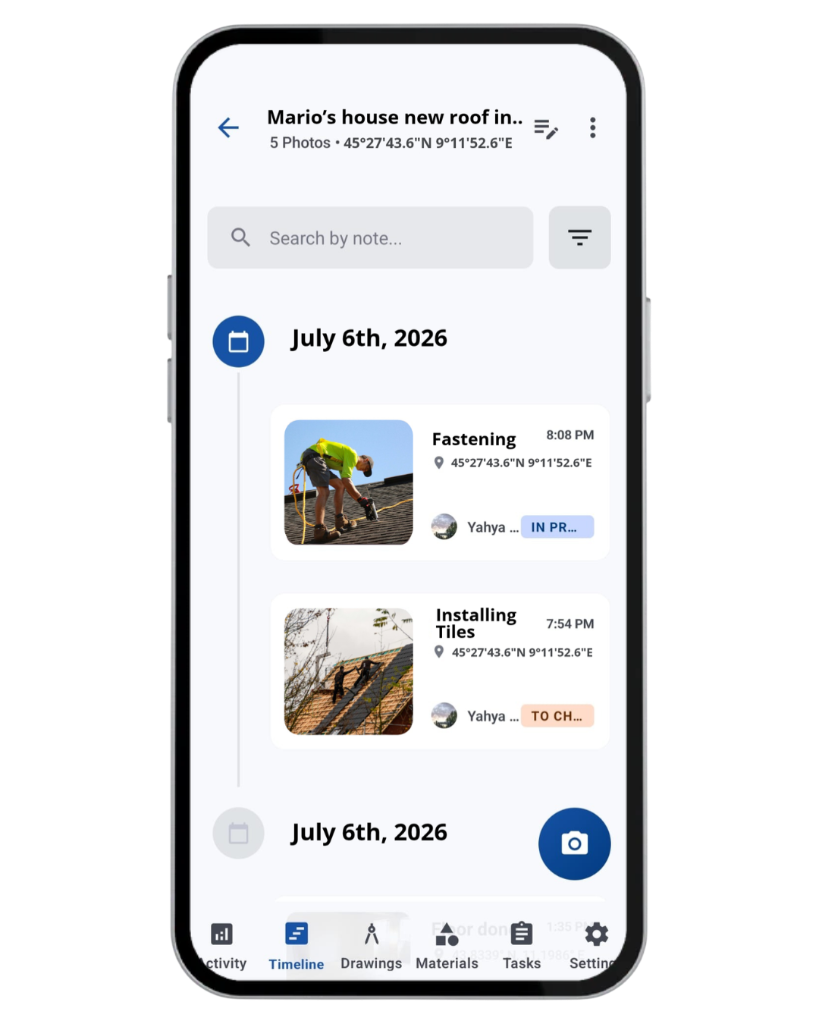
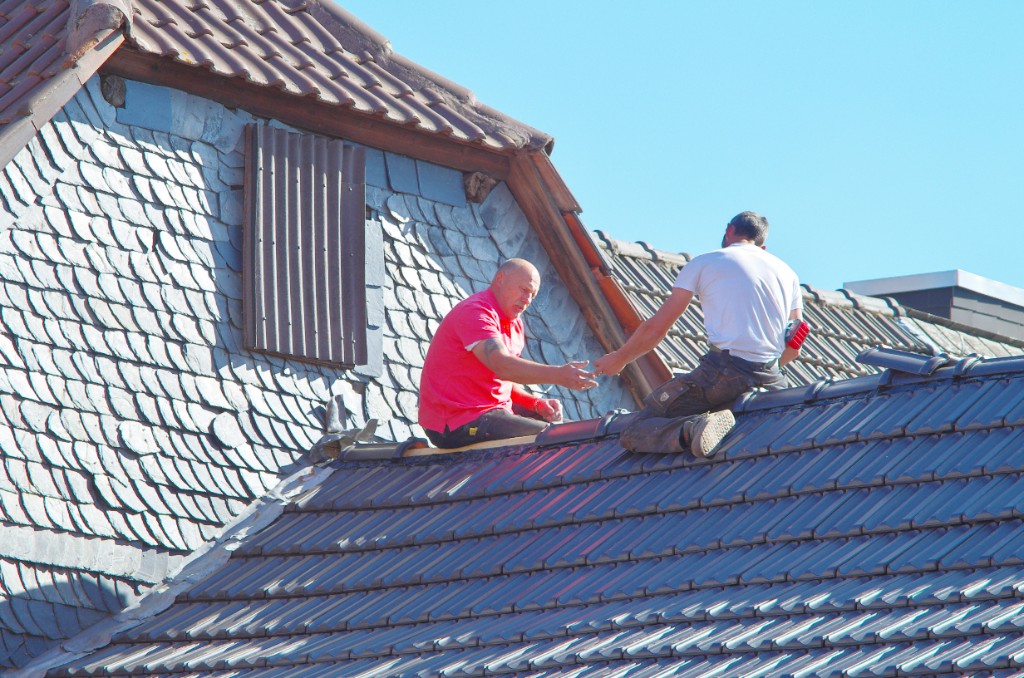
Use the same photo tools as the job moves from existing conditions to finished work.
Capture the roof as you found it, including visible issues.
Photograph removal, decking, or other prep before new materials go down.
Shoot underlayment, flashing, or courses of shingles or tile as the work moves.
Leave a finished record on the same project, next to the earlier shots.
These are roofing uses of Construkt’s general photo features, not a dedicated before-and-after comparison tool.
Each project has one daily log per calendar day. Use it for the work completed, issues, and notes from the roof.
Write what the crew finished, what got in the way, and anything the office should see later.
Record attendance-based crew hours on that day’s log.
Add daily cost notes when you want them on the same record.
Open the log later from that project and calendar day.
A daily log does not automatically create a standalone one-day PDF. Project PDF reports cover a selected period and the records you choose to include.
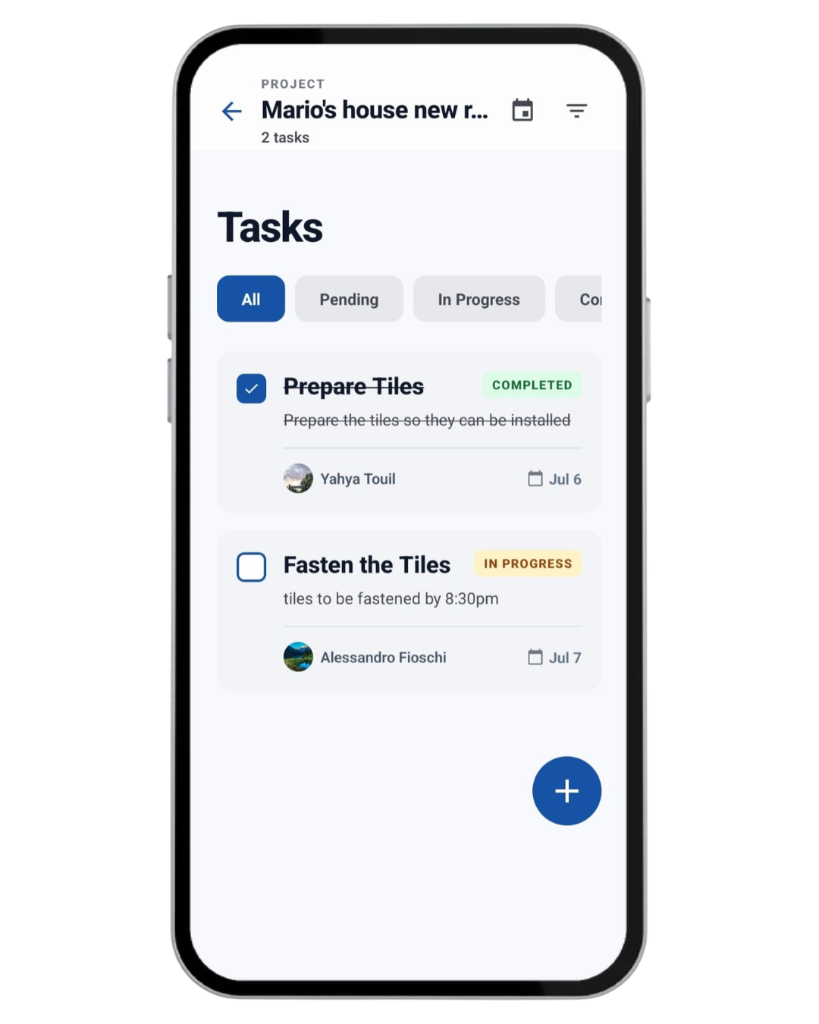
Assign the job, plan the work, and keep task status visible without a separate spreadsheet.
Add company members to the job, set a project lead, and organize field crews.
Give a task a title, an optional description, an assignee, and an optional due date.
Move tasks through Pending, In Progress, and Completed.
Create planning events and assign eligible project members.
Construction project tasks do not require a photo to mark complete. Construkt does not track crews live, run payroll, or dispatch automatically. Project tasks · Team and crews
Keep underlayment specs, installation PDFs, and material notes on the same roofing job as the photos.
Record materials with names, notes, photos, tags, and quality-check status.
Store supported PDFs and images with the job — specifications, drawings, and other files the crew needs on site.
Construkt does not calculate roofing squares, waste, takeoffs, purchase orders, or inventory. Documents are stored with the project; Construkt does not edit CAD or mark up drawings as a measurement tool. Construction documentation
Generate a project-period PDF from the job. Choose supported photos, dates, notes, tasks, materials, and daily logs according to the export settings.
The PDF covers the period and items you select. It is not a standalone single-day roofing report.
Included photos can show timestamps and GPS coordinates when that data was saved.
Use the file as a project summary or an internal record of the work.
Certified record features are plan-dependent. Construkt PDFs are not insurance-approved documentation and do not file claims or connect to adjuster platforms. Construction reporting
Jobs with valid saved GPS coordinates can appear as pins on the mobile Job Locations map. Search, filter, open a job, or launch Google Maps directions.
The map shows job pins, not every site photo and not live workers. The interactive map is in the iOS and Android app. Jobsite map
This is an illustrative workflow, not a customer story.
Open a Construkt project for the property and save the job details.
Photograph existing conditions and visible issues on that job.
Add project members, set a lead, and create tasks with due dates if you need them.
Use the daily log for work completed, issues, hours, and notes.
Keep photographing preparation, installation, and finished work on the same timeline.
Export a report for the period with the photos and records you choose.
This example shows how a roofing contractor can use Construkt’s existing features. It is not a case study.
Construkt is general construction documentation software. Roofing contractors use it to keep job photos and records organized.
Yes. Roofing contractors can create a project for each job and keep photos, daily logs, tasks, documents, and reports on that record.
No. Construkt is general construction management and documentation software. It does not have a roofing-specific module or project type.
Yes. Photos captured in Construkt are filed to the active job and shown on that project’s timeline.
When available, photos can store GPS coordinates and capture time. That information can appear in photo details and in relevant PDF reports.
Yes. Photograph existing conditions, visible issues, and areas to check, then keep those shots on the job. This is visual documentation, not a specialized inspection product.
Yes. Each project has one daily log per calendar day for work completed, issues, notes, attendance-based crew hours, and optional cost entries.
Yes. Create project tasks, assign them to project members, set optional due dates, and track Pending, In Progress, or Completed. Photo proof is not required to complete a construction project task.
Yes. Record materials with notes and photos, and store supported PDFs and images on the project. Construkt does not calculate quantities or create purchase orders.
Yes. Export a project-period PDF and include supported photos, tasks, materials, and daily logs according to the export settings. Construkt does not generate a standalone single-day PDF.
No. Construkt does not measure roofs, calculate pitch or squares, produce takeoffs, or create estimates, invoices, or bids.
No. Construkt does not file claims, connect to adjuster platforms, or produce insurance-approved documentation. It can hold the photos and notes you captured on the job.
Document roofing work with GPS-tagged photos, daily logs, tasks, and project reports in the Construkt mobile app.
Download App