Construction site photos
Capture photos in the app so they land on the correct job instead of mixing with weekends, other sites, and unnamed camera-roll dumps.
When photos sit in a gallery, drawings in email, and notes in chat, the job has no single record. Construkt organizes documentation around the project where the work happened.
A photo of waterproofing lives on a labourer’s phone. The latest drawing is in a forwarded email. The delay note is in a voice message. None of that is a project file — it is leftover communication.
Construction documentation software should not mean “another folder structure.” It means the photo, the drawing, the log, and the task all open from the same job. That is the difference between searching and knowing where to look.
Information is easier to find when it is connected to the project, not to whoever happened to take the picture.
If a supervisor leaves, a phone is replaced, or a chat expires, the job should not lose its history. Photos, drawings, tasks, logs, and reports that live on the project stay available to the people still on that job. You spend less time asking “who has the pictures from Tuesday?” and more time answering what actually happened on site.
Project-based records also make reporting less of a scavenger hunt: you start from the job, not from five apps.
Capture photos in the app so they land on the correct job instead of mixing with weekends, other sites, and unnamed camera-roll dumps.
Each shot can carry time and location. That context helps you reconstruct a day on site. It is supporting project information — not a legal certification.
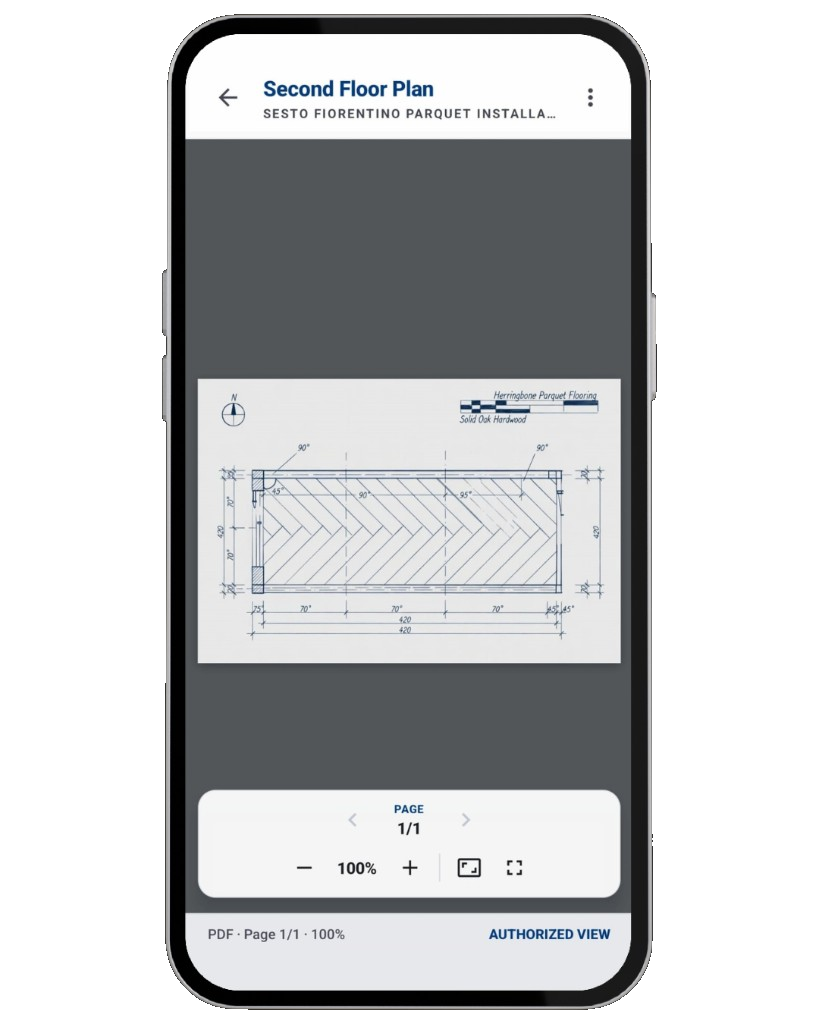
Keep PDFs and drawings on the job, view them on site, and stop treating the latest plan as whatever attachment arrived last.
Write the day’s notes against the same project as the photos, so conditions and delays sit next to what was actually captured.
Open and closed work stays in the job record, which makes it clearer what was assigned, started, and finished — not just discussed.
See how the project record changed: activity on the job and audit-style history so you are not relying on memory for who updated what.
Turn the job’s photos, logs, tasks, and details into a shareable PDF instead of assembling a pack by hand the night before a meeting.
The aim is one place to open when someone asks for proof of progress, not a perfect archive of every file your company has ever stored.
The project record: site photos (with time and GPS), drawings and PDFs, daily logs, tasks, materials, activity, audit history, and PDF reports generated from that job.
Folders and chats scatter the same job across devices. Construkt files documentation to the project, so you open one job instead of reconstructing a paper trail from expired files and unnamed photos.
Construkt helps you keep a clearer project record. It does not claim to be a certified legal archive or guaranteed evidence in a dispute. Use it as organized supporting records, then follow whatever your contracts and local rules require.
Yes. You can generate a PDF from the project and choose what to include — photos, tasks, daily logs, materials, and client details — then share that file.
Use Construkt so photos, drawings, logs, and reports open from the same project.
Download App