Stop losing
proof of work
on every job.
Construkt organizes your job-site photos, tasks, and daily logs by project — automatically. No more digging through WhatsApp or your camera roll at 10pm.
500+ contractors and field crews

Your work is real.
Your records shouldn't be a mess.
Most contractors are managing jobs on three apps they never meant to use for this. When something goes wrong, there's no clean record.
2,000 photos on your phone. Half from last year. When a client disputes work, you're scrolling for 20 minutes looking for the right one.
Messages get buried. Files expire. There's no searchable history, no accountability. You can't send a WhatsApp thread to a client as documentation.
Nobody updates a spreadsheet in the rain with dirty hands. So it never gets done — until it becomes a big catch-up session on Friday evening.
One app.
Everything stays
where it belongs.
Construkt is designed for the field — fast, simple, and offline-friendly. Open it, take a photo, and it handles the rest.
- Every photo is timestamped and GPS-tagged the moment you take it
- Jobs are automatically separated — no folders, no sorting needed
- Your team sees the same job — no duplicate photos, no missed updates
- Export a clean PDF report in one tap — ready to send to a client
- Works on site without signal — syncs when you're back online
Every feature built for the field.
Not a "platform." Tools that do exactly what you need, as fast as possible.
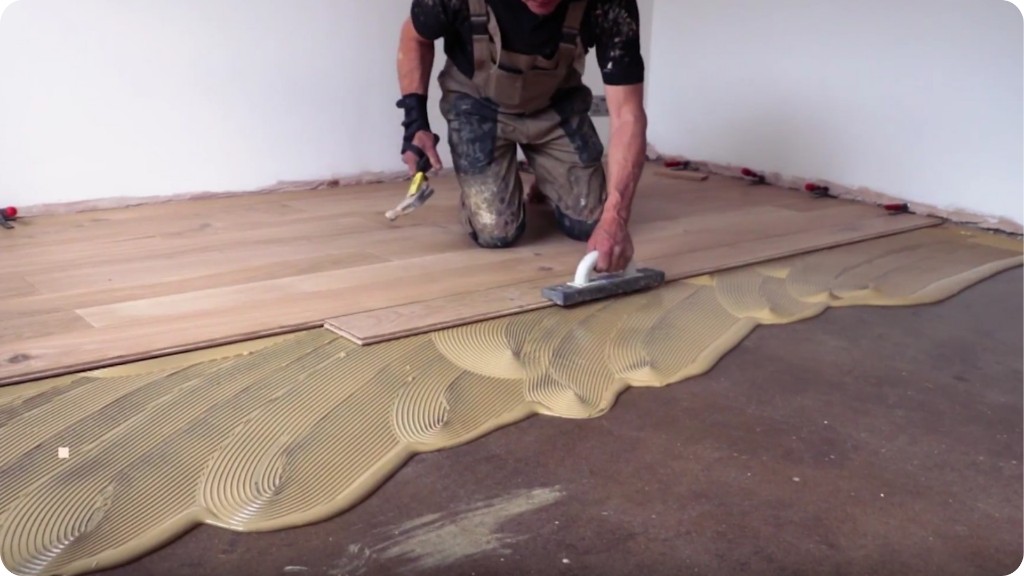
Open the app, point, shoot. Construkt tags the photo with the time, GPS location, and attaches it to the right job. No steps to skip, no fields to fill in.
Photo LoggingEvery photo, task update, and note on one chronological timeline per job. Jump to any day and see exactly what was done — and by who.
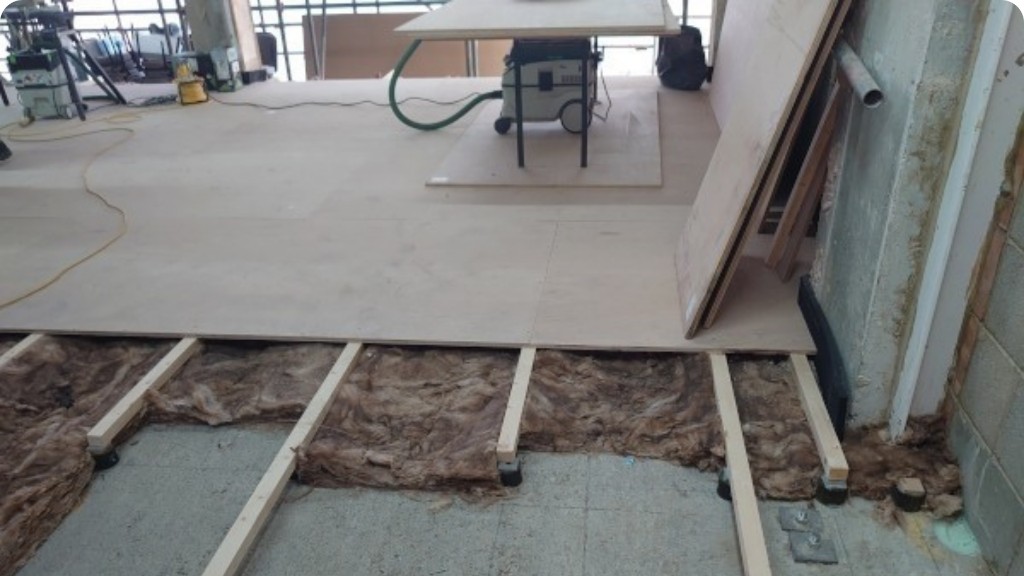
Project TimelineCreate tasks, assign them to team members, mark them complete from the field. No emails, no calls asking "is that done yet?" — you can see it in the app.
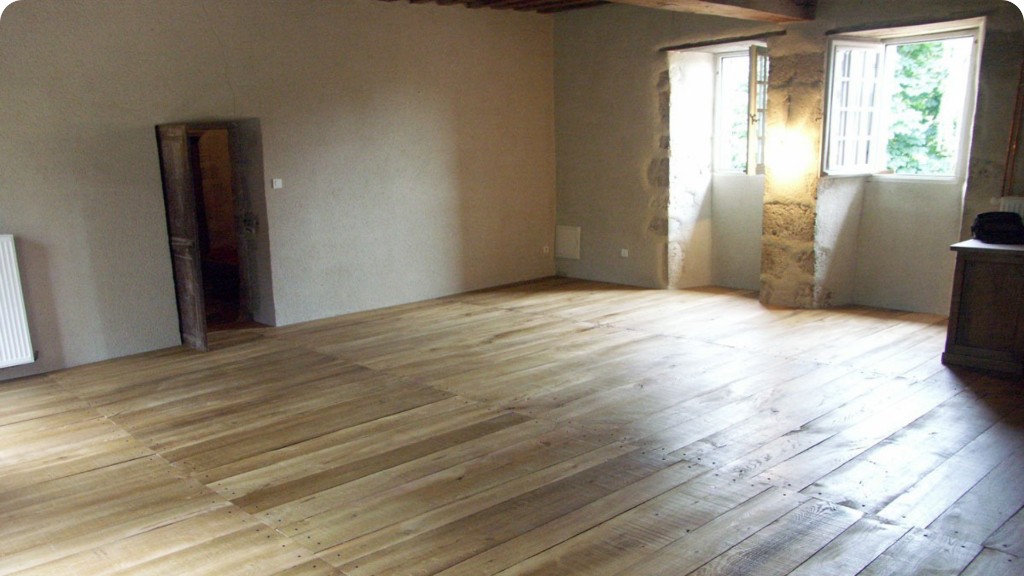
Task TrackingHit "Export PDF" and Construkt builds a clean report with photos, timestamps, team activity, and notes. Ready to send to a client in 10 seconds.
PDF ReportsThree steps. That's it.
If you can use a phone, you can use Construkt. We designed it for people who don't want to read a manual.
Give it a name and an address. That's the setup. Takes 20 seconds. Add team members and a client — or do it later.
Take photos, add quick notes, close tasks — all from the app while you're on site. Every entry is automatically stamped with time and location.
When a client asks for an update — or a job is done — tap "Export Report." Construkt generates a PDF with everything and you send it in seconds.
Built for dirty hands
and tight schedules.
Large buttons. Clear layout. No settings you'll never use.
Every photo,
where it belongs.
GPS-tagged and timestamped the moment you take it. No sorting, no searching — every shot is automatically filed to the right job and the right day.
- GPS coordinates on every photo
- Organized chronologically by day
- Searchable by note or date

Manage your crew.
Keep clients in the loop.
Invite team members, assign roles, and store client contact details right on the job — no separate spreadsheets or group chats.
- Invite crew and assign Owner or Member roles
- Search team members by name or email
- Client name, address, and phone on every job

Assign tasks.
Know what's done.
Create tasks on site, assign them to your crew, and track progress in real time. No calls, no guessing — the status is right there in the app.
- Pending, In Progress, Completed filters
- Assign to specific team members
- Mark complete from the field

Every job site,
mapped.
See all your active job locations at a glance. Tap any pin to open the job dashboard and jump straight into work — directions and client contact built in.
- Live map of all active job sites
- One tap to open any job dashboard
- Directions and client contact built in

Plan shifts.
Keep everyone aligned.
Schedule crew by day or week, filter by project, and see who's on site at a glance. Add shifts in seconds — no spreadsheets, no group chats.
- Day and week views for every job
- Filter by project, crew, or date
- Shift status — planned, active, done

Floor plans
in your pocket.
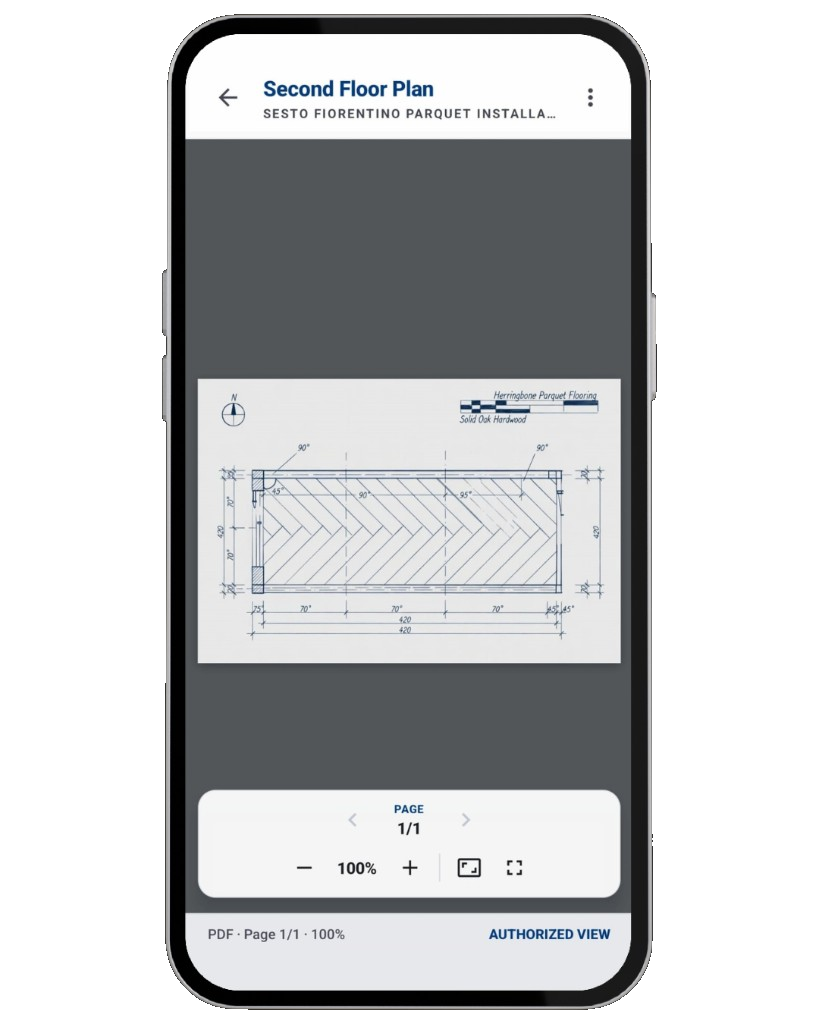
Open PDFs and drawings right on site — zoom, pan, and flip between pages without leaving the job. The blueprint is always attached to the right project.
- View PDFs and technical drawings in-app
- Zoom and page controls built in
- Linked to each job — no email attachments
Contractors who stopped
guessing and started proving.
"Before Construkt, I spent an hour putting together a progress update for a client. Now I tap 'export' and it's done. They get a proper PDF with photos and everything."
"There was a dispute about when we finished a phase. I pulled up Construkt, showed them the timestamped photos and the task log. That was the end of the conversation."
"My crew started using it without me having to push them. The interface is simple enough that nobody asked how to use it. That says everything."
Your next job
starts organized.
Free to download. Start logging your first job in under a minute.
Download on Google Play