The work order
Maintenance Jobs
Manage the overall work order, including its status, priority, assigned technician, due date and recurrence where applicable.
Organize maintenance jobs, track tasks, manage equipment assets and keep service records together with Construkt.
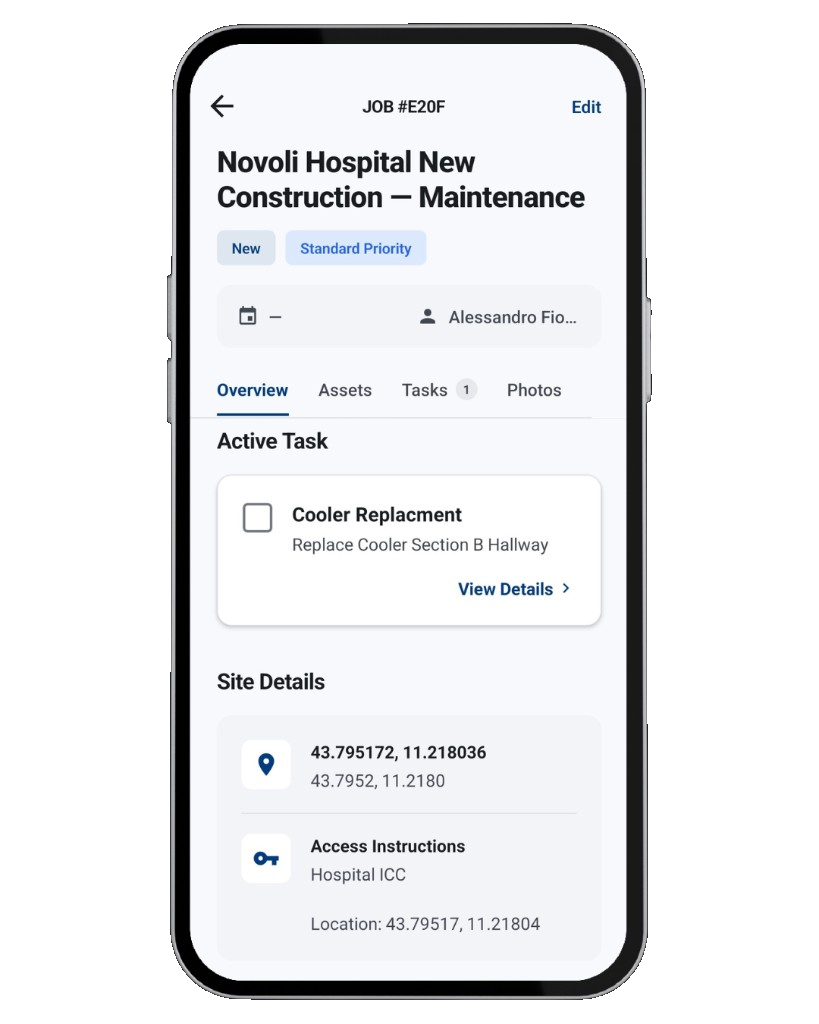
Every maintenance job in Construkt is built from three layers. Each one answers a different question about the visit.
Manage the overall work order, including its status, priority, assigned technician, due date and recurrence where applicable.
Organize the checklist for each visit, assign work to team members, set due dates and track progress from pending to in progress to completed.
Maintain records for the equipment covered by the job, including technical details, condition, photos, documents and service history.
Each maintenance job has its own workspace for a service visit, repair or preventive maintenance cycle. It is the work order: what you need to plan, carry out and close the visit stays in one place, separate from your construction projects.
Create a maintenance job from scratch, or start one from a completed construction project so the relevant site context carries over instead of being entered again.
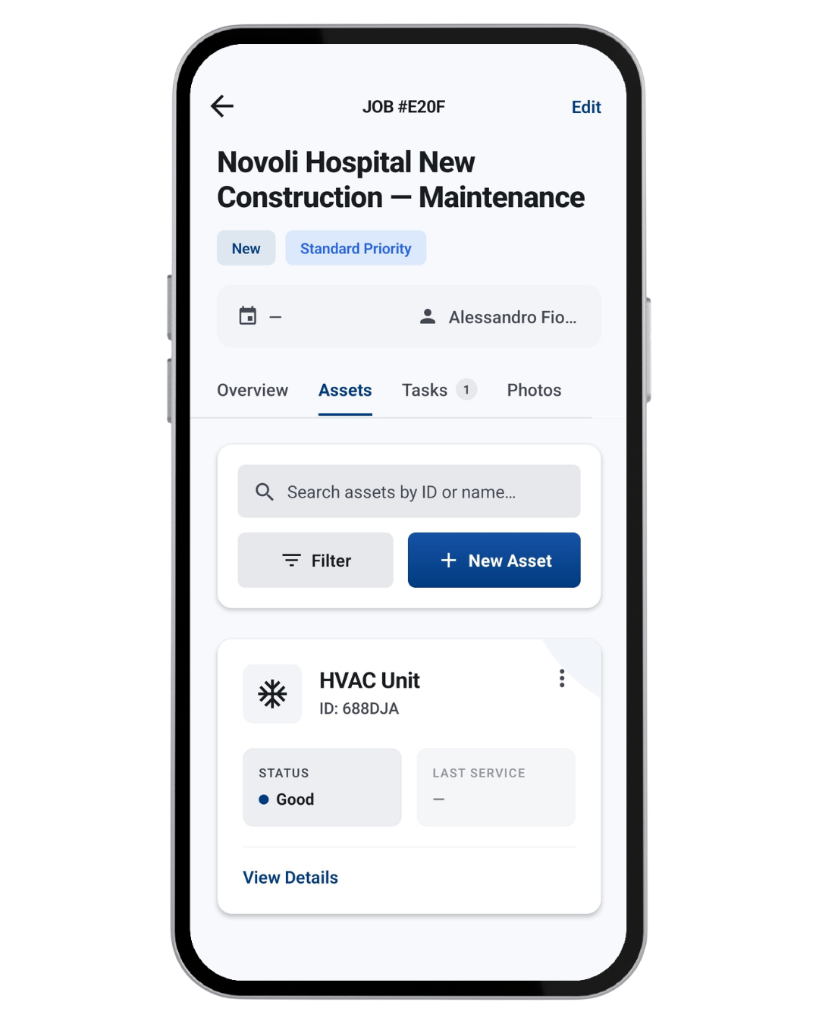
Assets represent the equipment and systems a team maintains at a site. Each asset has its own record, so you can review equipment details and condition without searching through unrelated job notes or messages.
Search the asset list by ID or name and narrow it down with filters. Asset records are kept up to date by your team — Construkt doesn't monitor equipment automatically or detect faults.
Service history is written when the work is done. Each completed maintenance job adds to the record of every asset it covered.
Close the job once the visit is finished.
Construkt adds a service-history entry to every asset included in the job, recording the visit, when the work took place and who performed it.
Each completed visit adds another entry, so every asset builds a longer-term history — including across recurring service cycles.
Service history is a record of completed visits. It isn't predictive maintenance, and it doesn't involve automated equipment monitoring.
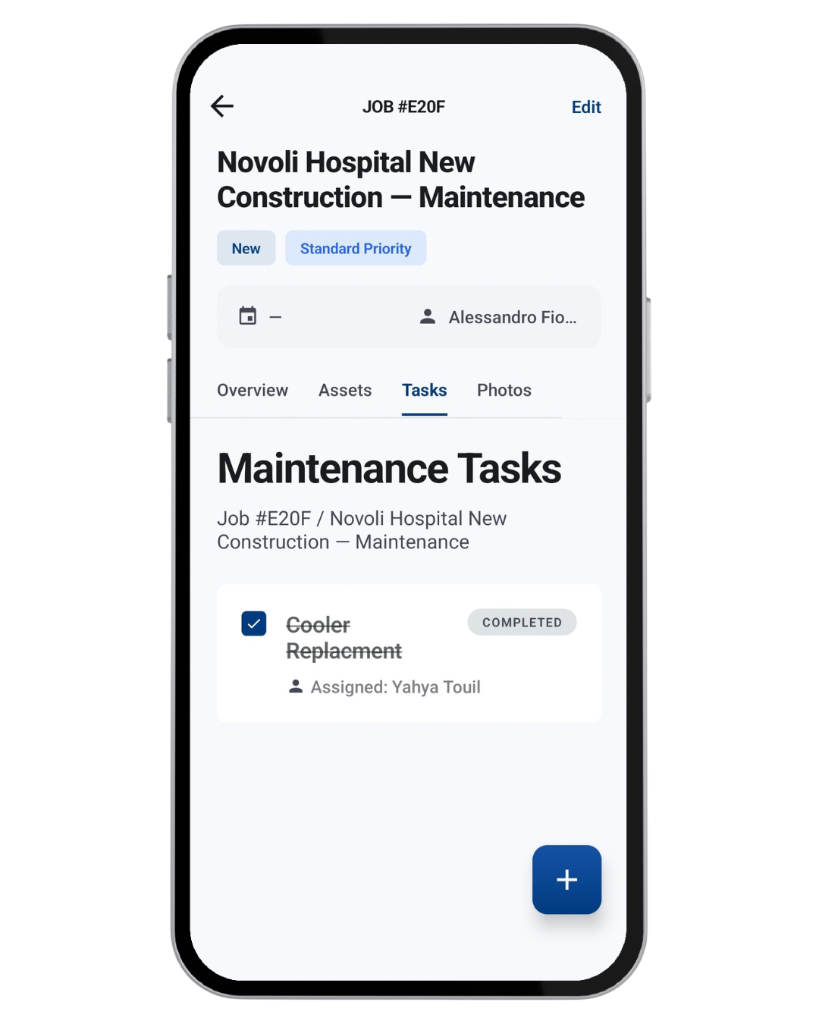
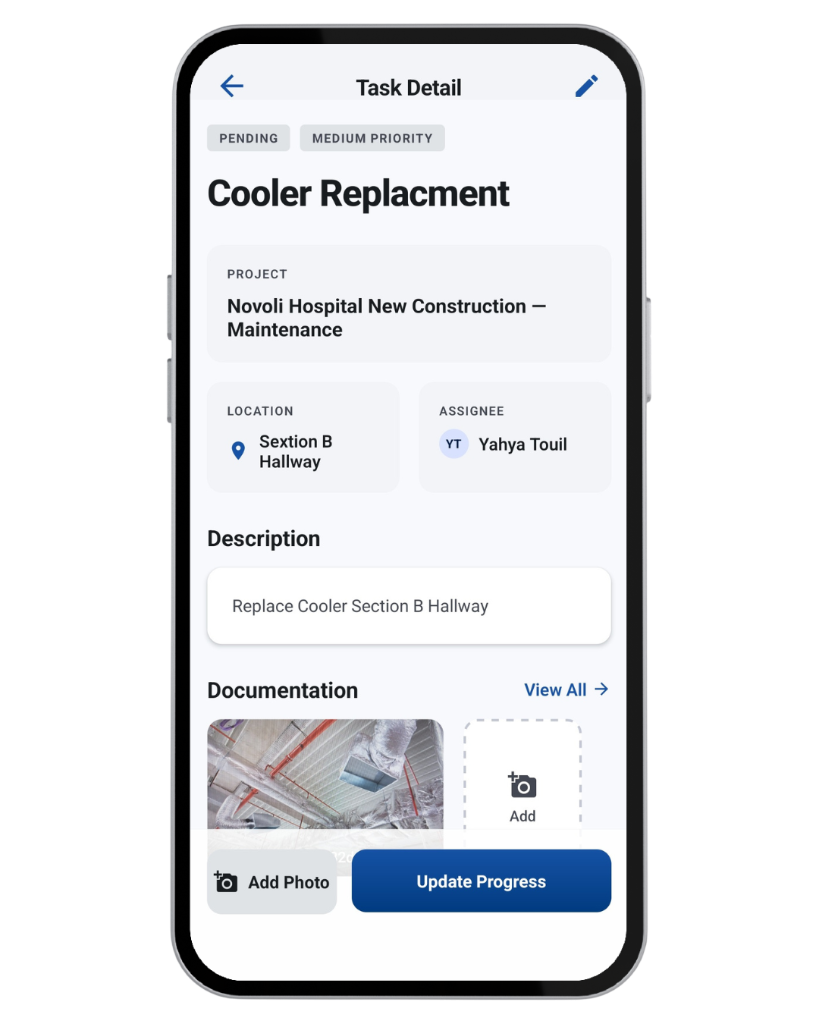
Tasks define the work to be carried out during the visit. Together they form the job's checklist, and the job shows overall progress as tasks are completed.
When mandatory photo proof is enabled for a task, it can't be marked Completed until at least one photo is attached.
The task checklist describes the work plan for the visit. The asset register describes the equipment covered by the job. They are separate layers of the same maintenance job.
For inspections and preventive maintenance that repeat on a fixed cycle, set a recurrence interval on the maintenance job.
This is recurring work-order management: the schedule comes from the interval you configure. Construkt doesn't detect maintenance needs or predict equipment failures.
Photos and updates stay with the maintenance job they belong to, so the record of a visit isn't spread across phones and chats.
Attach photos to the maintenance job or to individual tasks to document inspections, repairs and completed work.
Follow relevant task, photo and job updates in the job's activity timeline instead of piecing them together from messages.
When someone asks about a visit later, open the job to see its tasks, photos and activity in one place.
Photos and activity records document what your team captured. They don't guarantee legal compliance or prove that a repair was performed correctly.
Set up the work order, site, priority, technician and due date.
Record the equipment involved and define the work to be completed.
Update task statuses and attach photos where needed.
Keep the job's history and update service history for the assets included.
Construkt's maintenance module is built for teams that look after buildings and equipment on site. It is a practical work-order tool, not an enterprise CMMS.
Maintenance management software helps teams plan, carry out and record maintenance work such as repairs, inspections and preventive service. In Construkt, that work is organized as maintenance jobs, each with its own tasks, assets, photos and activity.
A maintenance job is the work order for a visit, with its status, priority, technician, due date and site. Tasks are the work to be completed during that visit. Assets are the equipment and systems being maintained. Tasks and assets are separate layers inside the same job.
Yes. When a maintenance job is marked Completed, Construkt writes a service-history entry for each asset included in the job, recording when the work took place and who performed it. Repeat visits build a longer record for each asset.
Yes. Set a recurrence interval such as monthly, quarterly, twice yearly or annually. When the current job is completed, the next cycle can be scheduled with a new due date based on that interval.
Yes, when mandatory photo proof is enabled for a task. In that case, the task can't be marked Completed until at least one photo is attached.
Yes. An asset can store its manufacturer, model, serial number, capacity and other technical details, along with its installation date, warranty expiry, location, photos and documents.
Yes. You can start a maintenance job from a completed construction project so the relevant site context carries over, or create a maintenance job from scratch.
Bring maintenance work, equipment records and service documentation together with Construkt.
Get Started